My Approvals
The My Approvals page shows approval requests where you are involved — either as a decision-maker, or as the person who submitted the request.
Me > Approvals
Open Approvals from the Me portal navigation. The entry appears when you belong to an organization — it is not shown to attendee-only accounts.
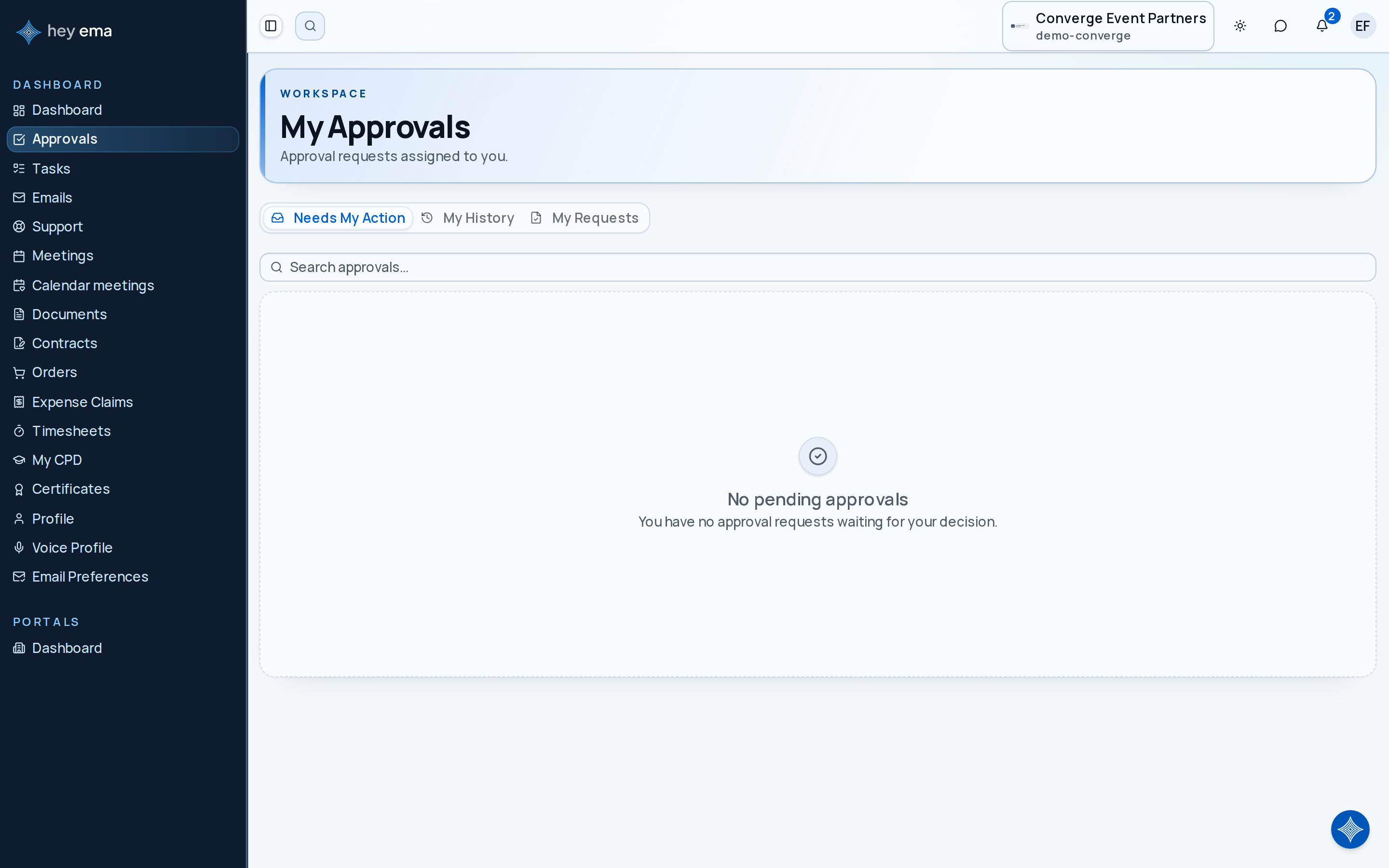
The page has three tabs:
| Tab | Shows |
|---|---|
| Needs My Action | Requests currently waiting for your decision (pending or in progress). A badge shows the count. |
| My History | Requests you have already decided on. |
| My Requests | Requests you submitted that are awaiting someone else's decision. |
Each tab has a search field to filter by title, requester name, or entity type.
Deciding on a request
From the Needs My Action tab, each card shows the request title, the person who raised it, and its current status. To decide:
- Find the request and click Approve or Reject (or click the card to open the detail page).
- On the detail page, click Submit Decision.
- Enter your decision and any comments.
Delegating a request
If you are unable to decide, you can delegate the request to another person while it is still pending or in progress:
- Open the request detail page.
- Click Delegate.
- Select the person and confirm.
Requests past their due date are highlighted. The due date shows as overdue in red on the detail page.
Request detail page
Click any approval card to open the full detail view, which shows:
- Request title, description, requester, and workflow name.
- Whether the request is Blocking (must be resolved before the related item proceeds) or Advisory (informational only).
- Step progress — the sequence of approval steps and who has decided at each step.
- Decision timeline — a history of all decisions made so far.
Approval statuses
| Status | Meaning |
|---|---|
| Pending | Waiting for a decision. |
| In Progress | At least one step has been decided; more steps remain. |
| Approved | All required approvers have approved. |
| Rejected | One or more approvers rejected the request. |
| Cancelled | Cancelled by the requester or an admin. |
| Expired | Passed its due date without a decision. |
A conference speaker submits a travel reimbursement request. Their event manager is assigned as approver and receives a notification. They open My Approvals, find the request under Needs My Action, review the details, and click Submit Decision to approve it.