My Documents
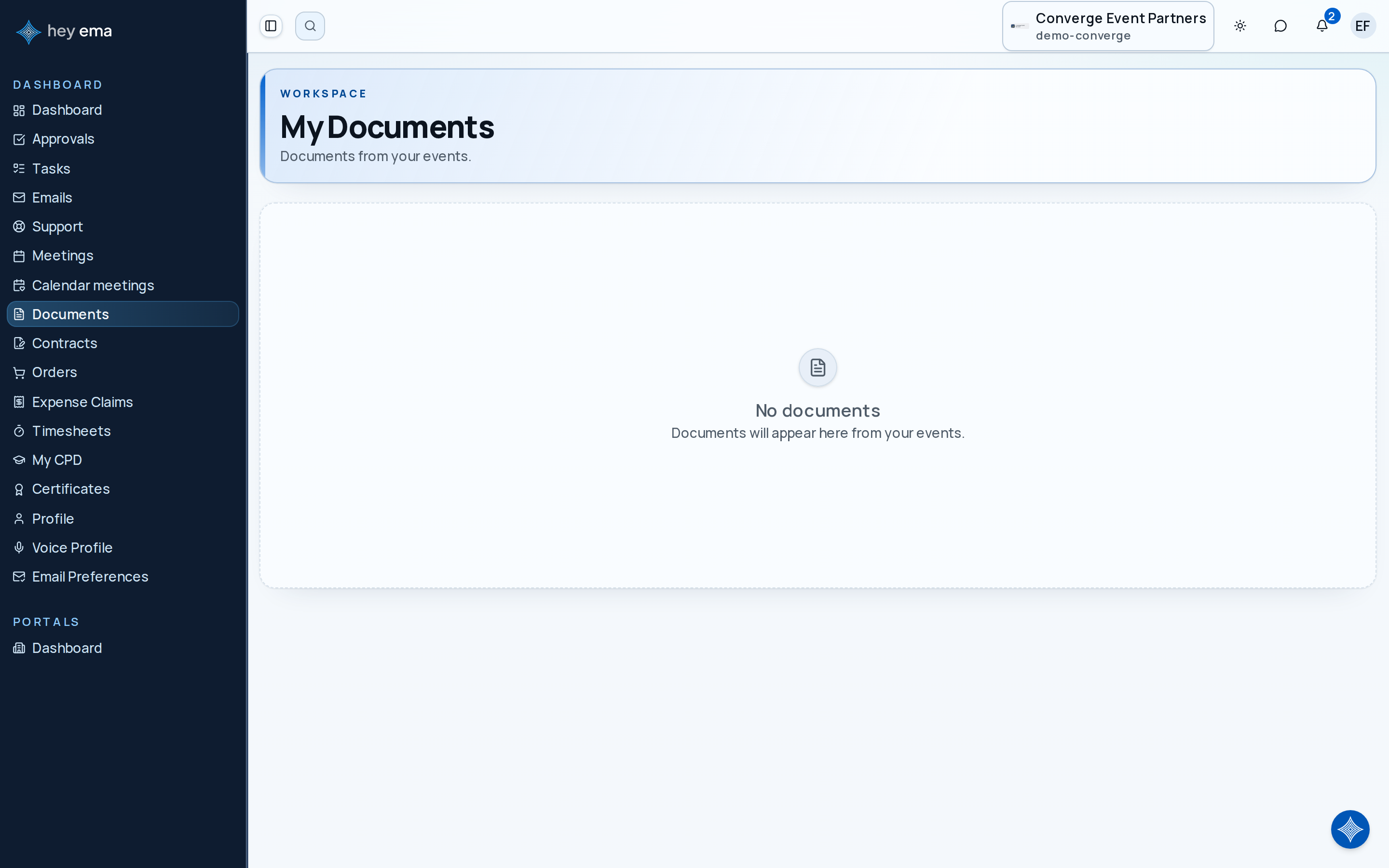
The documents page lists documents shared with you across every project, providing quick access to files without navigating into individual projects.
Me > Documents
Use this cross-project list when you need to find a file shared with you for any event. The Documents entry appears in the Me navigation when you belong to an organization — it is not shown to attendee-only accounts.
A speaker is preparing at the venue and needs the latest AV briefing pack. Instead of opening each talk or task, they go to My Documents, filter by file type, and open the shared file from one place.
Document List
Navigate to Me > Documents to see your documents. Each card shows:
| Field | Description |
|---|---|
| Name | Document file name. |
| File type | The kind of file, such as PDF, image, spreadsheet, video, or presentation. |
| Project | The event this document belongs to. |
| Uploaded | When the document was added. |
Use the toolbar to search by name or event, filter by file type (PDF, Document, Spreadsheet, Presentation, Image, or Video) or by event if you're registered for more than one, and sort by newest, oldest, or name.
Opening a Document
Click a document card to open the file itself in a new browser tab. If the file cannot be opened, a message tells you — try again, and contact the event team if it keeps failing.
What's in the List
The list shows files shared at the organization or event level in every event you can access — for example:
- Event programs and schedules
- Venue maps and logistics guides
- Speaker or exhibitor briefing packs
- Compliance and safety documents
The Project label on each card and the file-type filter help you find what you're looking for.
Uploading Documents
My Documents is a viewing page -- there's no upload control here, and you cannot delete or replace a file from it. Files are uploaded in context, from wherever they're relevant (for example, a task, an exhibitor checklist, or a talk submission), by the people responsible for them.
If you are a speaker, files for your talks are uploaded from the talk document page rather than here. See Talk Documents.
Journey pages need an operator sign-in to open.
A delegate registers, pays, is confirmed, and arrives with a badge.
- Step 11 of 11Delegate opens a document shared with themAttendee