My Emails
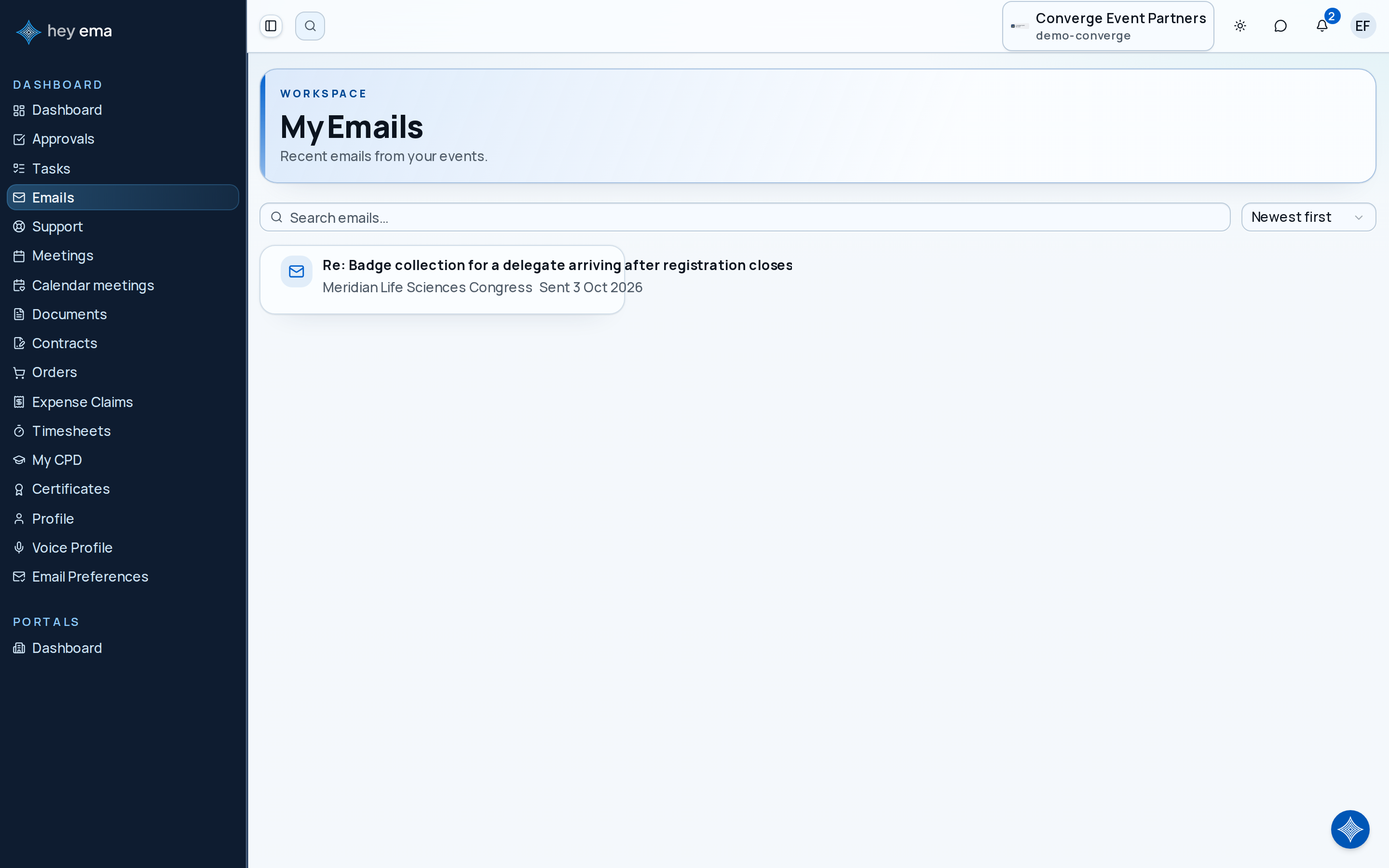
The My Emails page collects recent emails that event teams have sent through ema in the projects you belong to — for example updates the team shared with clients or with all participants. It is a reading list for those shared messages, not your personal inbox: your own email (Gmail, Outlook, etc.) stays separate.
Me > Emails
Open Emails from the Me portal navigation. The Emails entry only appears if you belong to an organization — for example when you are part of an event team.
What appears here
Only emails sent through ema and shared with a wider audience are shown — messages the event team marked as visible to clients or to everyone, in projects you have access to. Emails are loaded up to the most recent 200 messages.
Each card shows the subject line, the project it came from, and when it was sent. Select a card to open the full email.
Filtering and sorting
Use the toolbar above the list to find specific emails:
- Search — filter by subject or project name.
- Sort — newest first, oldest first, or alphabetically by subject.
- Event filter — if you are part of multiple projects, filter to emails from a specific event.
Changing any filter or sort resets the page back to the first results.
No-email state
If no shared emails are available to you yet, the page shows an empty state. Emails appear here as event teams send them — there is nothing to configure on your end.