My Meetings
The meetings page shows meetings you are attending. From the main Me portal you can review meetings across events, and from an event's Me portal you can focus on meetings for that event.
Me > Meetings
Use the main Me portal for meetings across events, or the event-specific Me portal for meetings in the current event. The navigation entry is called Meetings in both.
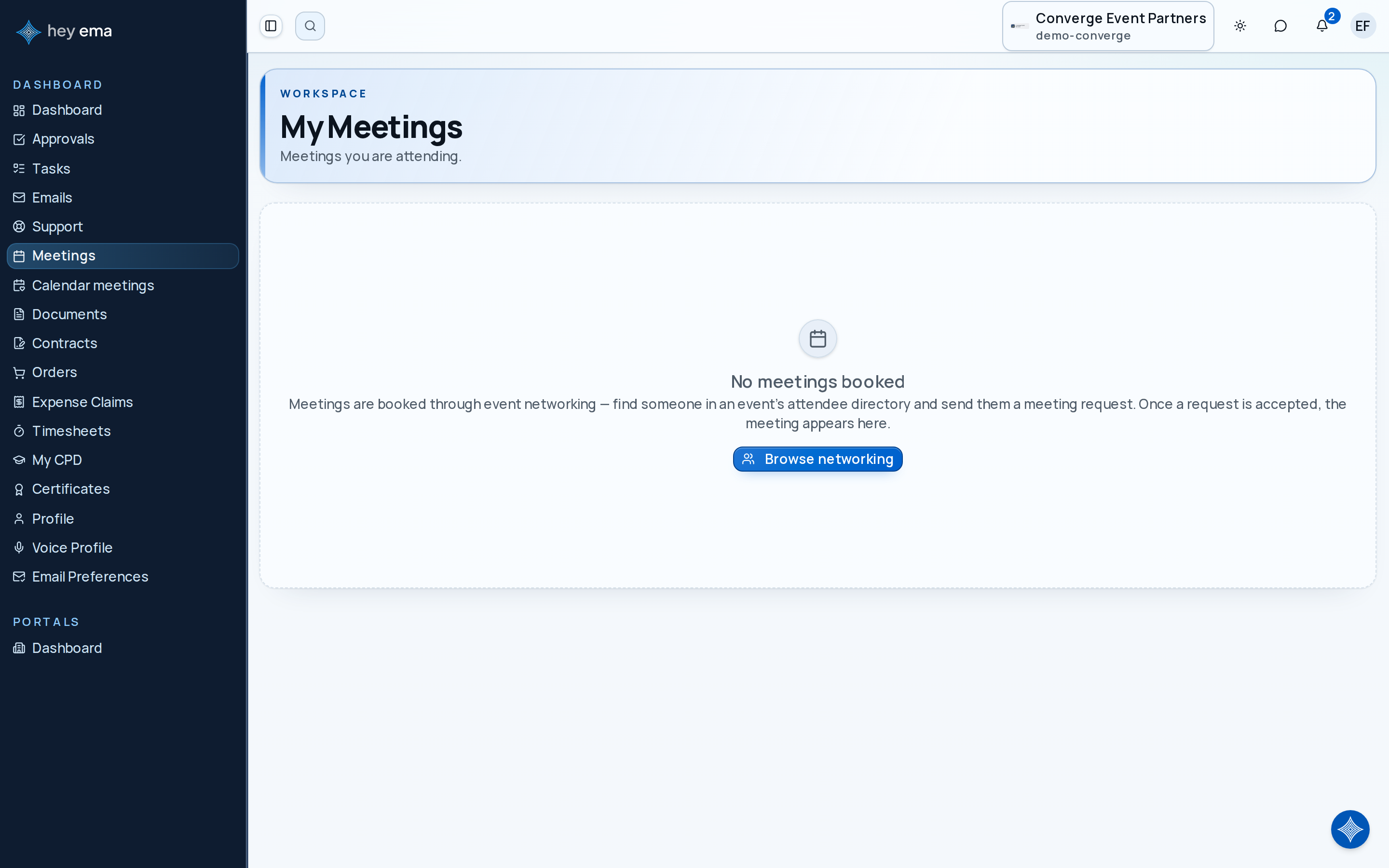
An attendee has a sponsor demo at 10:00, a networking meeting at 11:30, and an internal team catch-up after lunch. My Meetings keeps those commitments in one list so they do not rely on email confirmations.
Meeting List
Navigate to Me > Meetings to see your meetings across events, or open an event and select Meetings there to see only that event. Each entry shows:
| Field | Description |
|---|---|
| Title | Meeting name or subject. |
| Scheduled time | Meeting date and start time. |
| Type | Whether it is a Connect, video, or in-person meeting. |
| Event | The event this meeting belongs to, when you are viewing the cross-event list. |
Use search to find a meeting by title. If you have more than one meeting type or event, filters appear so you can narrow the list.
Navigating to a Meeting
Click a meeting to open its detail page. Connect meetings open in the Connect meeting detail view, video meetings open the live meeting view, and in-person meetings open the meeting detail view.
Meeting Details
For in-person and general meeting details, ema shows:
- When — meeting date, start time, and end time.
- Location — whether the meeting is virtual, physical, or in a reserved space.
- Participants — the people included in the meeting.
For Connect meetings, you can also open the meeting from Connect > Meetings to see networking-specific details and calendar options.
Meeting Requests
Meeting request responses are managed in Connect > Requests, not on the general My Meetings list. From there, you can review received and sent requests, accept a proposed time, decline a request, or cancel a request you sent.
Networking meetings, availability, and meeting requests are managed from Connect. See Networking.
Upcoming vs. Past Meetings
The meeting list can include upcoming and past meetings. Sort by soonest first, latest first, or alphabetically by name depending on what you need to review.
The event-specific meetings page shows meetings for the event you are currently viewing. Use the main Me > Meetings page when you need the cross-event list.