My Orders
Your orders page lists everything you have purchased across your events — your registration, any add-ons, accommodation, and tickets to paid sessions or social functions.
Me > Orders
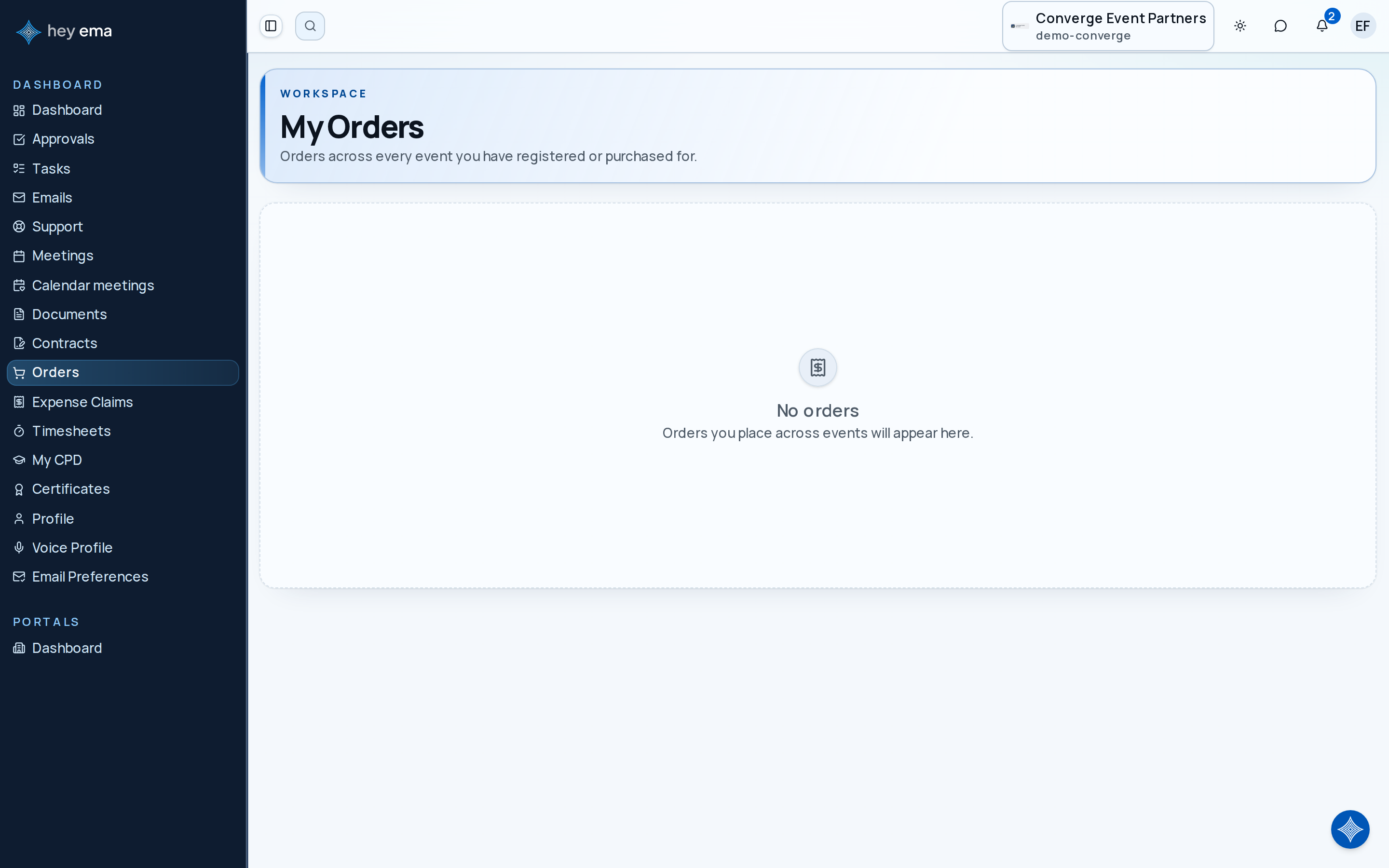
Open Orders to see your purchases and their payment status.
What an Order Shows
Each order in the list shows the event it belongs to, its reference (and invoice number once an invoice exists), a status badge, the total, any amount still due, a summary of the items, who the purchase is for, and when it was placed. Open an order with View order to see the full line items, the amount due, and its financial documents.
Order Statuses
| Status | Meaning |
|---|---|
| Not Completed | The purchase was started but never finished — nothing is owed on it |
| Pending Payment | The order is placed but not yet paid |
| Processing | A payment is being processed — check back shortly |
| Partially Paid | Some payment received, a balance remains |
| Paid | Payment has been received in full |
| Confirmed | The order is fully settled |
| Failed | A payment attempt failed — try paying again or contact the organizer |
| Cancelled | The order was cancelled and nothing is owed |
| Expired | The order lapsed before it was completed or paid |
| Partially Refunded | Part of the order was refunded |
| Fully Refunded | The order was refunded in full |
Paying an Outstanding Balance
An order with a balance shows one of two actions:
- Pay by card — opens a secure payment page where you can pay by card, when the organizer accepts card payments.
- How to pay — shows the organizer's payment instructions instead, such as the bank details and reference to quote for a bank transfer, along with the amount due and its due date.
If your organizer has set up a payment plan, each instalment appears with its own due date. Instalments are paid in order — the earliest outstanding instalment is the one you can pay next.
Once payment clears, your order status updates. Receipts are available from the order itself — see below.
Invoices, Receipts, and Credit Notes
Each order carries its financial documents, downloadable from the order page:
- An invoice is issued when payment is owed.
- A receipt is issued once payment is received, with its own receipt number.
- A credit note appears when the organizer has credited part of the order, for example after a cancellation or adjustment.
If you need an invoice addressed to your employer rather than to you, ask your event organizer before paying — the billing details are set on the order.
If Something Looks Wrong
Order records are maintained by your event organizer. If an order shows an item you did not buy, a total you do not recognise, or a payment you made that is not reflected, contact the organizer with the order reference rather than placing a second order.
Related
Journey pages need an operator sign-in to open.
An attendee finds the event, registers, carries their pass and agenda to the venue, takes part, and leaves with their certificate and the recordings.
- Step 6 of 20Pay a later instalment or an outstanding balanceAttendee
A delegate registers, pays, is confirmed, and arrives with a badge.
- Step 7 of 11Attendee pays a later instalment from their orderAttendee