Portal Discussions
Both the speaker portal and the exhibitor portal include a discussion thread — a shared message thread between you and the event team for that specific talk or exhibitor record.
Me > Talks > [your talk] > Discussion
Open your talk or exhibitor record, then select Discussion from the navigation.
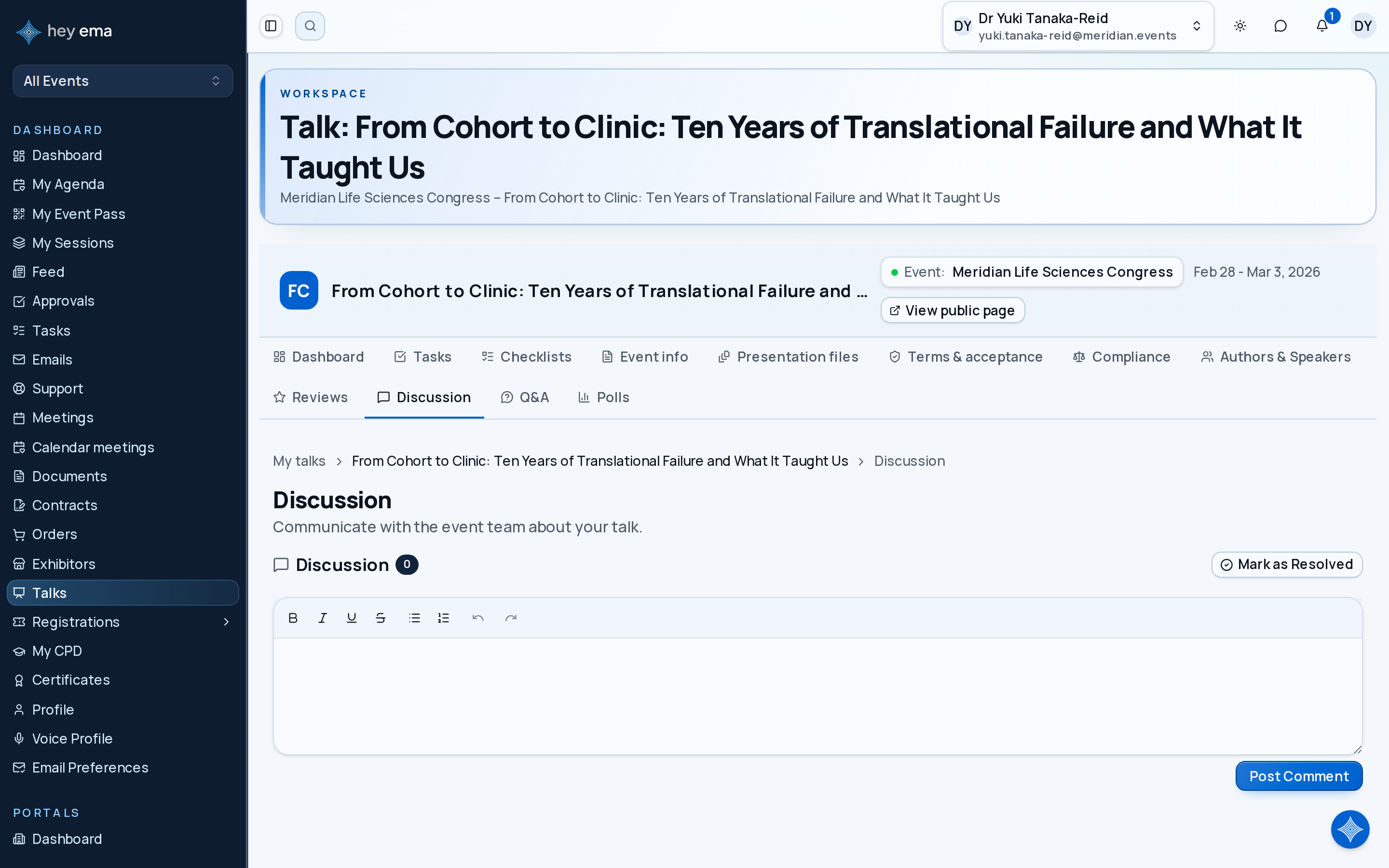
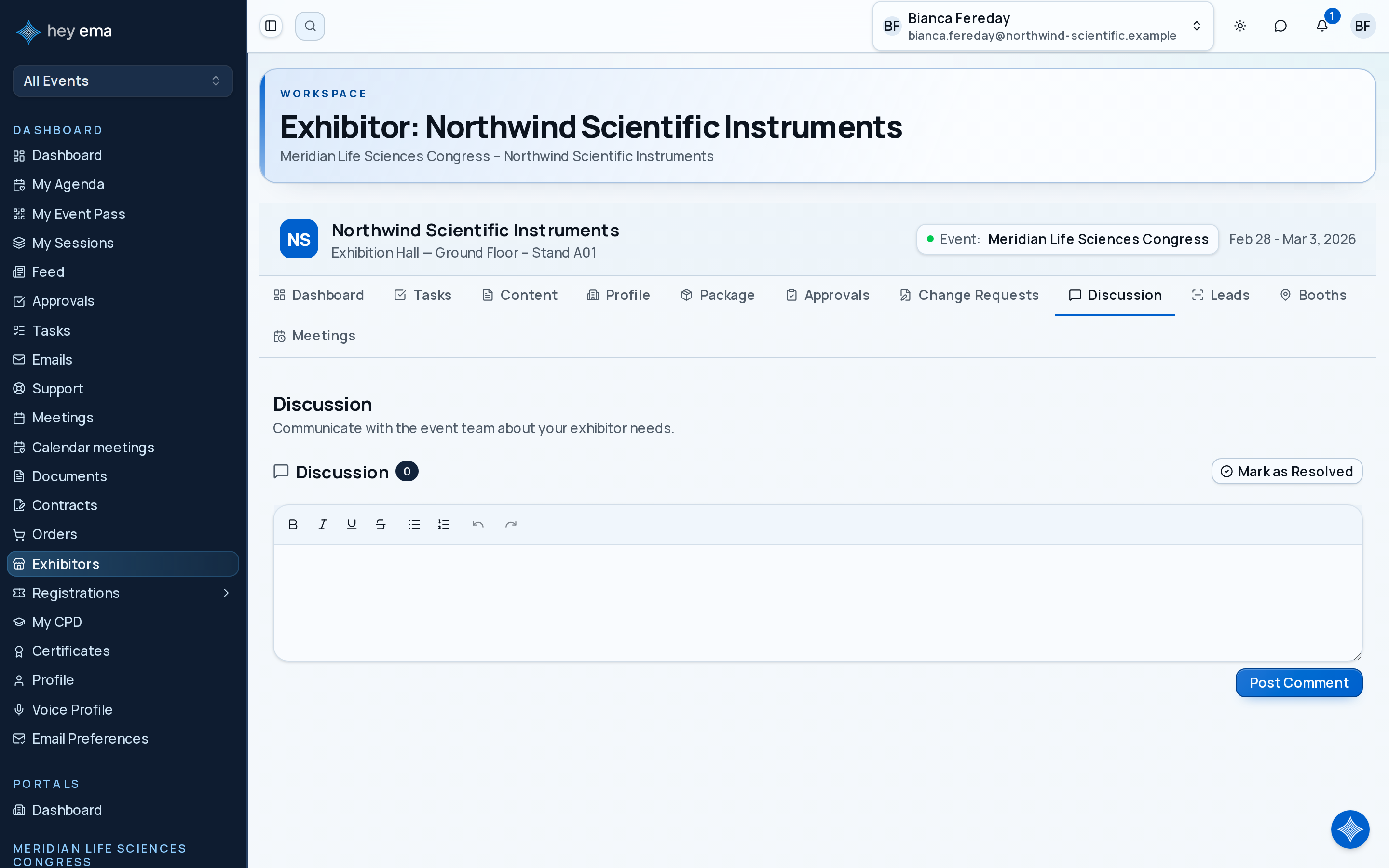
What the discussion thread is for
The thread is scoped to one talk or one exhibitor. Use it to:
- Ask the event team questions about your presentation or booth.
- Respond to requests from the team (artwork feedback, logistics queries, schedule changes).
- Keep a written record of decisions or agreements in one place rather than across email.
The event team can start a thread from their side as well; you will receive a notification when a new message is posted.
Posting a message
Type your message in the text box at the bottom of the thread and submit. The editor supports formatted text (bold, lists, links, and similar).
All participants on the thread — you and the event team members — are notified of each new message.
Speaker talk discussion
Found at Me > Talks > [talk] > Discussion. The thread is tied to your specific talk submission. The event team managing that talk participates in the same thread.
Exhibitor team discussion
Found at Me > Exhibitors > [exhibitor] > Discussion. The thread is tied to your exhibitor record. Useful for questions about booth setup, compliance documents, or logistics.
The discussion thread keeps communication in context — the event team sees it alongside your talk or booth record. Use it for event-specific questions rather than general email so that the conversation history stays with the record.