Public Directories
Public directories help visitors find speakers and exhibitors without needing admin access. They are useful before the event for planning and during the event for finding sessions, booths, resources, and people to meet.
Public event page > Speakers or Exhibitors
Directories appear on public event pages when the event team has published the related people, talks, exhibitors, or sponsor records.
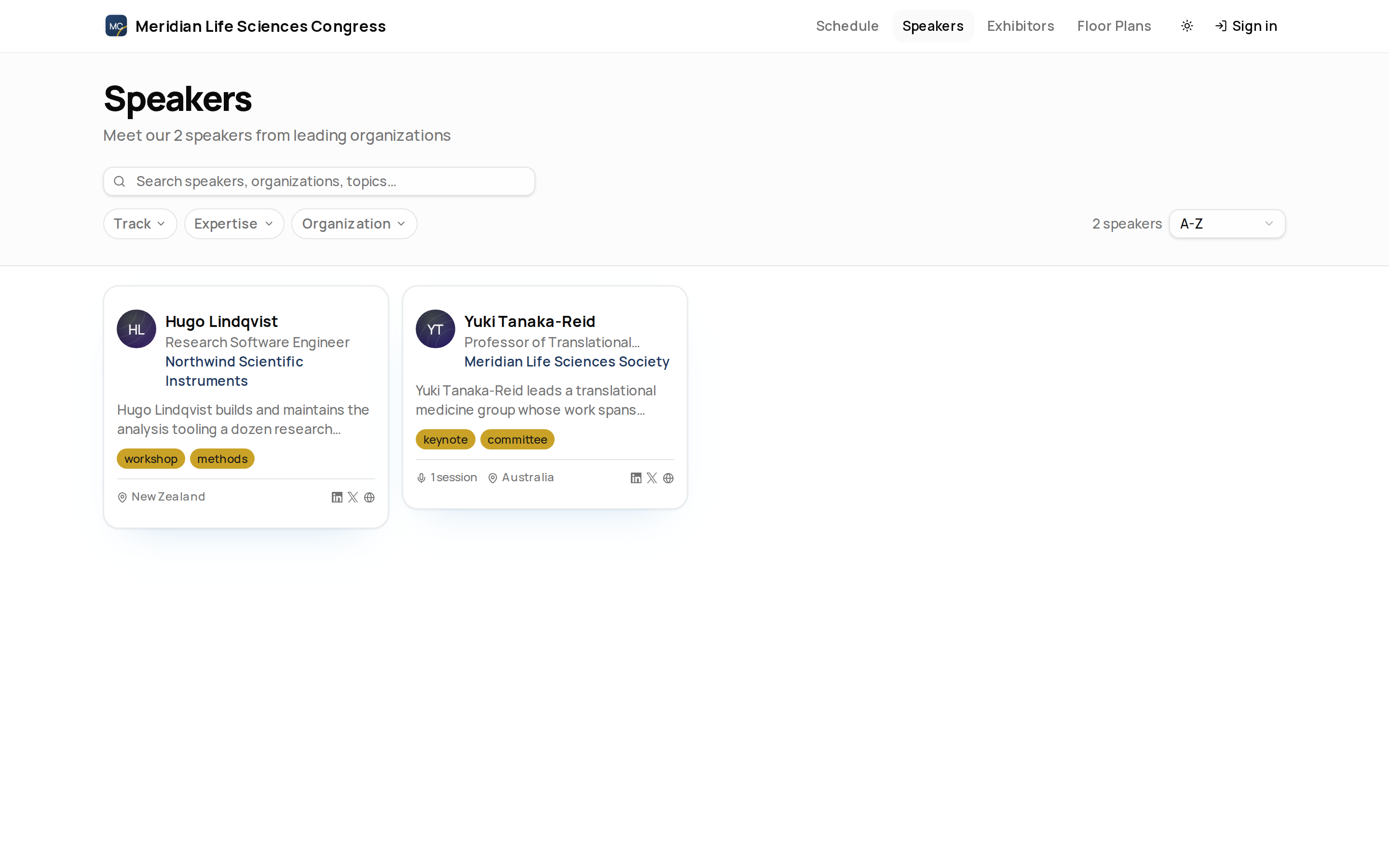
Speaker Directory
Use the speaker directory to search speakers, organisations, topics, and bios. You can filter by track, expertise, and organisation, then sort speakers by name, number of sessions, or organisation.
Speaker cards show details such as role, organisation, country, social links, tags, and session count when those details are available.
Speaker Profiles
Open a speaker to see their profile, bio, social links, talks, sessions, total speaking time, and related event content. Signed-in attendees can use agenda actions where they are available, and a Follow button on the profile to follow the speaker; it changes to Following once you have, and choosing it again unfollows. Visitors who are not signed in do not see the button. If the organiser has shared additional information about a speaker, a Details section lists it — see Public Event Pages.
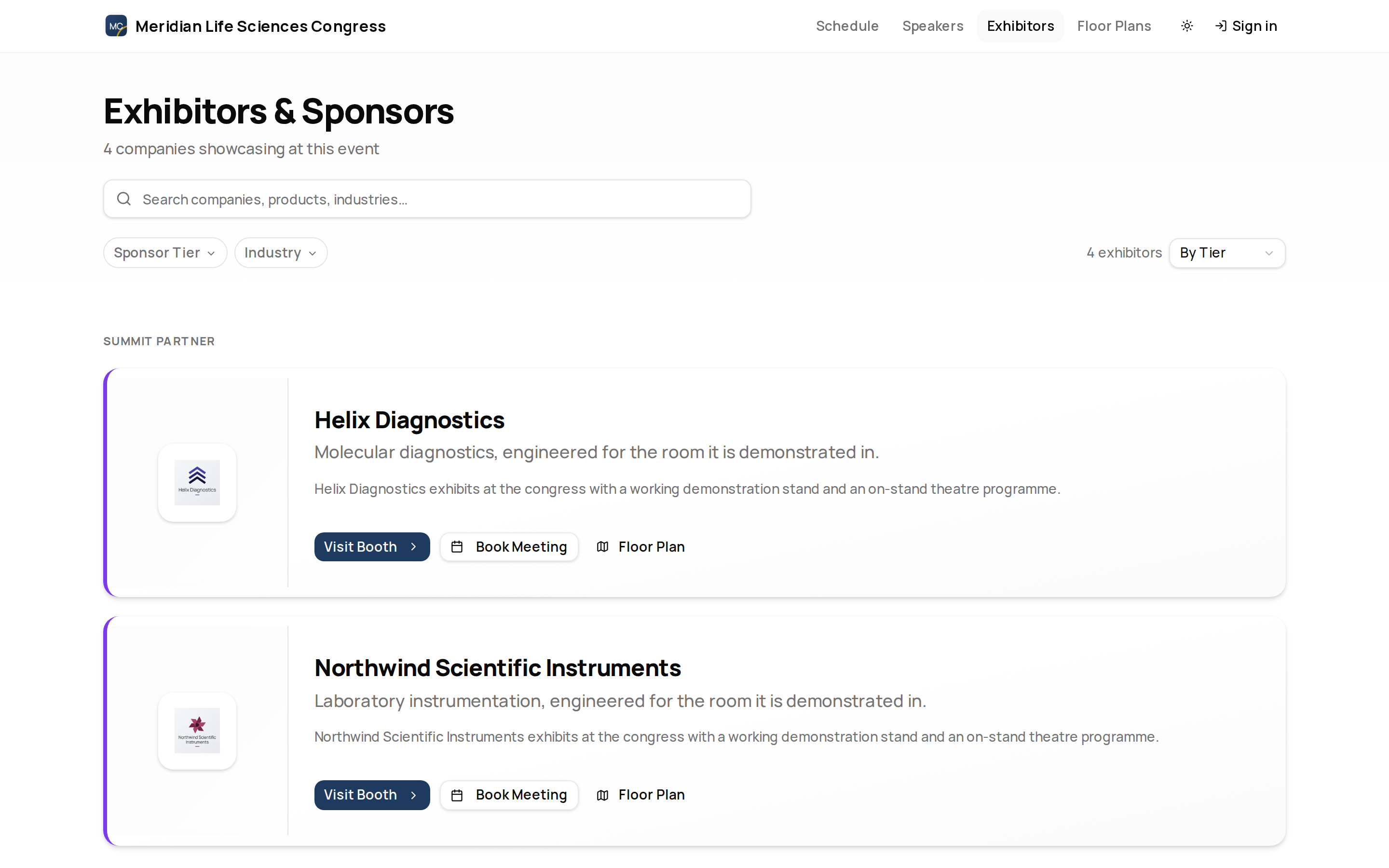
Exhibitor Directory
Use the exhibitor directory to search companies, products, and industries. You can filter by sponsor tier and industry, then sort by tier or company name.
Exhibitor cards can show logo, tier, tagline, description, tags, booth/floor-plan links, and meeting actions when those details are available.
Exhibitor Profiles
Open an exhibitor to see profile tabs such as About, Showcase, Team, Sessions, and Resources. Exhibitor profiles can also include contact or lead capture actions when enabled.
An attendee opens the exhibitor directory, searches for a sponsor by name, opens the profile, and uses the booth link to find them on the floor plan.
Related
Journey pages need an operator sign-in to open.
- Build the public siteStand-up
Pages are built, linked together with navigation, made findable, and published as the site visitors and search engines actually see.
- Step 10 of 10A visitor browses the speaker directory the programme feedsAttendee