Talk Tasks
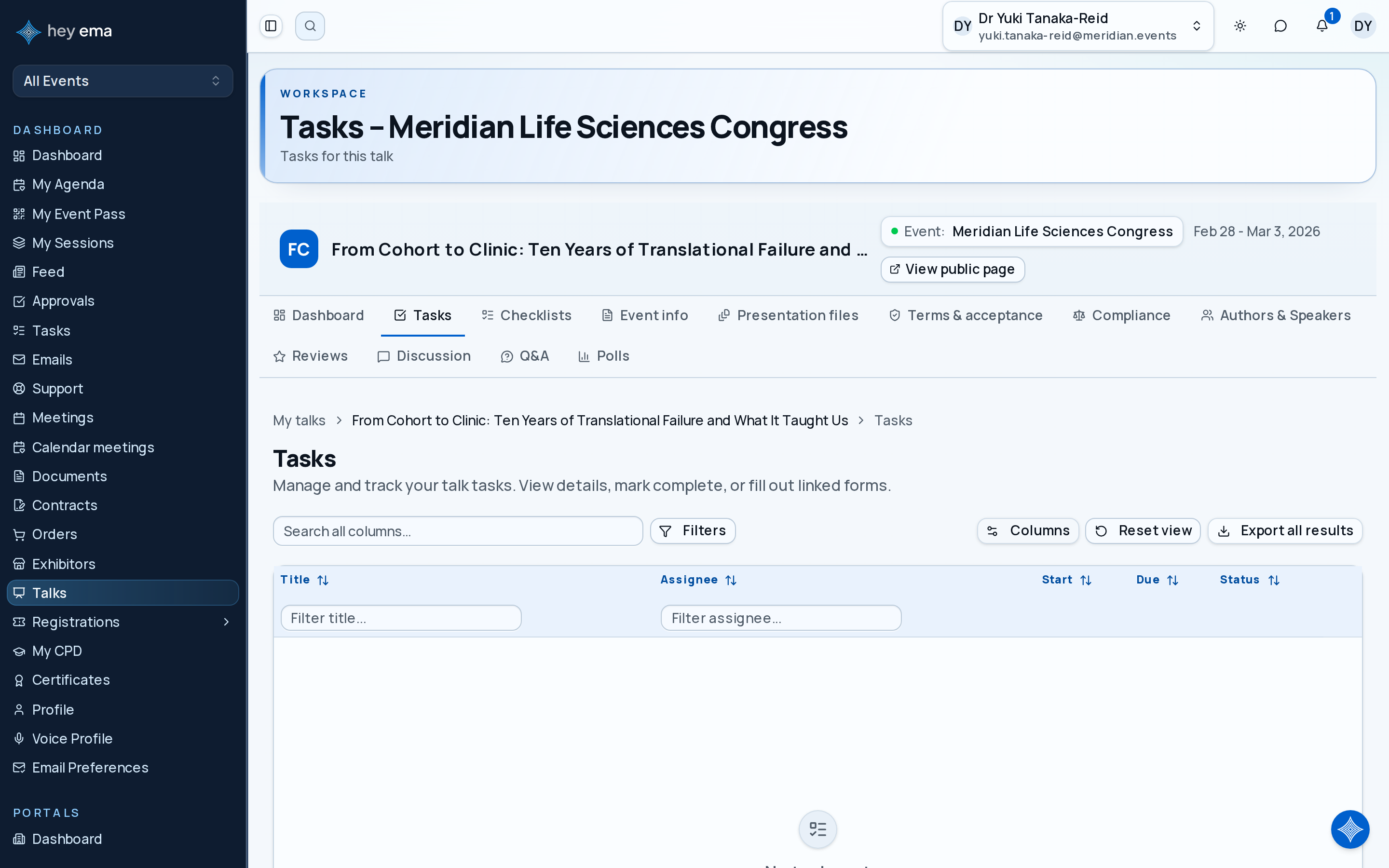
The Tasks page inside your talk portal shows tasks the event team has assigned specifically to your talk. These are separate from your general My Tasks list — they are scoped to one submission.
Me > Talks > [your talk] > Tasks
Open your talk, then select Tasks from the navigation.
What appears here
Tasks created by the event team and assigned to you or your co-authors for this talk. Common examples include:
- Upload final presentation slides by a deadline.
- Complete a speaker biography form.
- Review and accept a session time.
- Submit AV requirements.
Task list
The table lists each task with its title, assignee, start date, due date, and status. Tasks can be assigned to you or to any of the talk's co-authors.
Working a task
Click a task to open its details. From there you can:
- Read the description and check the due date.
- Reassign the task to yourself or another co-author of the talk.
- Mark complete when the work is done.
Some tasks carry a completion requirement that gates the Mark complete button:
- Document required — upload the requested file from the task details first; Mark complete stays disabled until a document is attached. You can replace the document later while the task is still open.
- Form required — a Fill out form button opens the linked form. The task completes automatically when you submit the form, so there is nothing to mark manually.
If a task has no special requirement, simply click Mark complete when you're done.
Event teams track talk readiness via task completion. Overdue tasks may trigger follow-up from the organiser.
Check your work
- A completed task's status changes to the project's "done" status, and it no longer offers the Mark complete button.
- For a form task, submitting the form returns you to the talk portal with the task already completed.
- Tasks you finish here also show as complete in your cross-event My Tasks list.
Your personal task list at My Tasks aggregates all tasks assigned to you across every project, including talk-specific tasks.