Exhibitor Approvals
The Approvals tab lists approval requests you raised or were asked about for this exhibitor. Requests are typically raised when something linked to your exhibitor — most often a task or submission — needs organizer sign-off, and the event admin team reviews and decides them.
Viewing Approvals
Me > Exhibitors > [Your company] > Approvals
Open your exhibitor company and select Approvals to review approval requests and their current status.
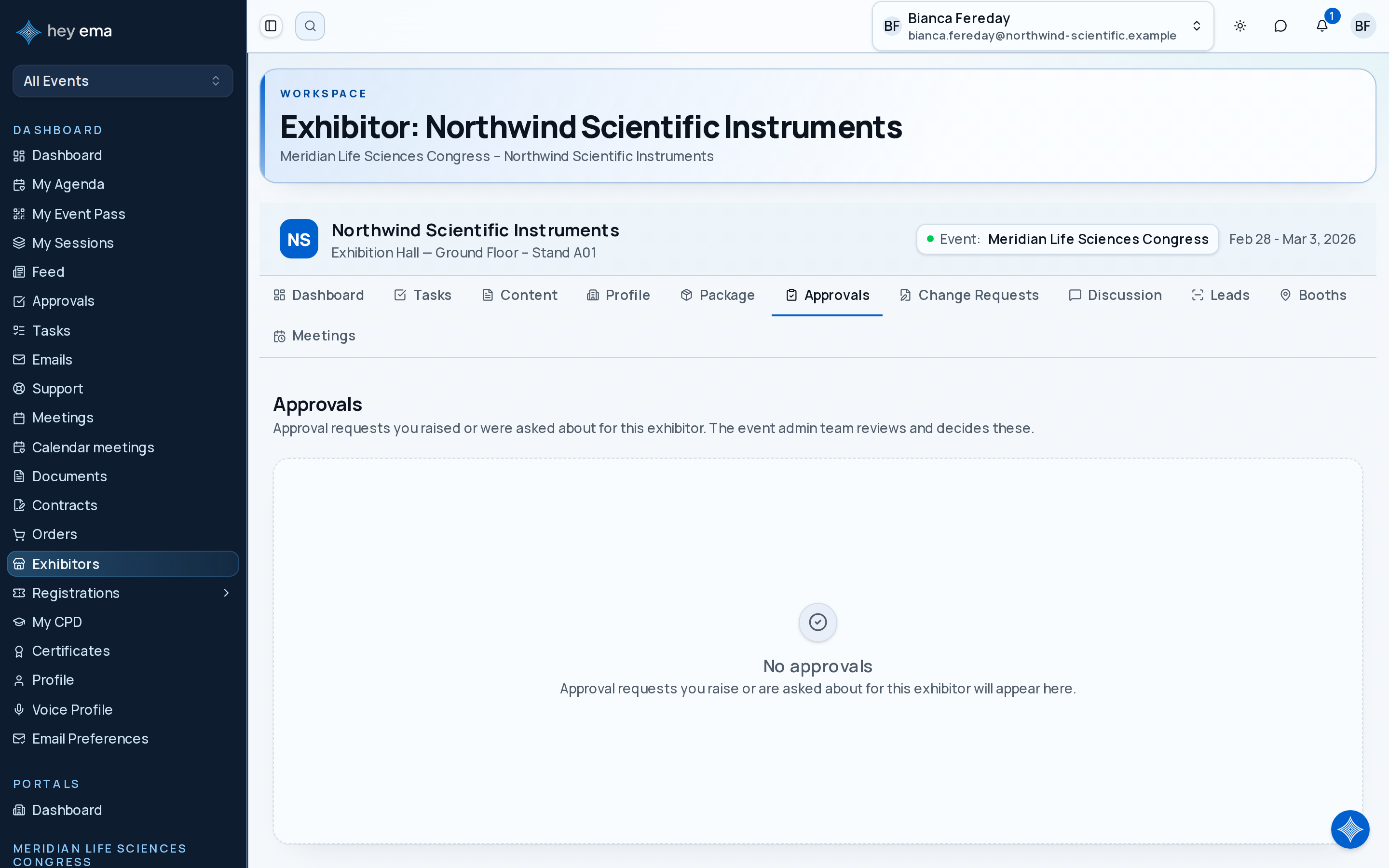
Each approval shows:
| Field | Description |
|---|---|
| Title | What the request is about. Select it to open the full request detail, including the workflow steps and decision history. |
| Status | Current status — see the table below. |
| Item type | The kind of item the approval was raised against, such as a task, when shown. |
| Requested by | The person who raised the request. |
| Due date | Deadline for the decision (if set). A past-due date shows in red. |
Approval Statuses
| Status | Meaning |
|---|---|
| Pending | Waiting for a decision. |
| In Progress | At least one step has been decided; more steps remain. |
| Approved | All required approvers have approved. |
| Rejected | One or more approvers rejected the request. Review any feedback before resubmitting. |
| Cancelled | Cancelled by the requester or an admin. |
| Expired | Passed its due date without a decision. |
Approvals in the exhibitor portal are read-only — the list has no approve or reject actions, and the event admin team processes approval decisions. Contact your organizer if you have questions about a pending approval.
If an approval is rejected, review any organiser feedback before resubmitting the related document, content, or profile change. Resubmitting the same item without changes can delay approval.