Exhibitor Checklists
Checklists guide exhibitors through required preparation steps such as submitting compliance documents, uploading logos, or confirming booth requirements.
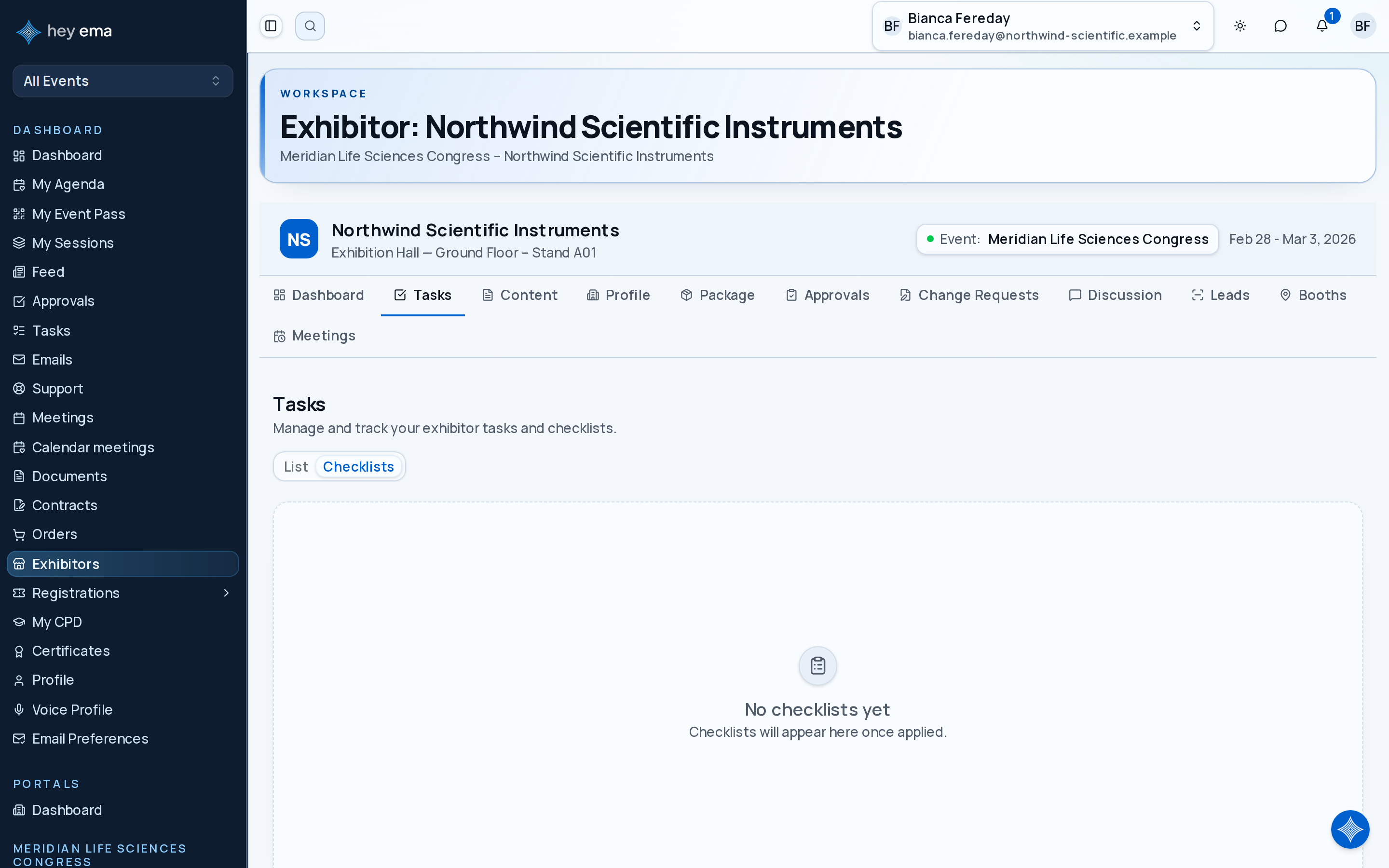
Viewing Checklists
Me > Exhibitors > [Your company] > Tasks > Checklists
Open Tasks and switch to the Checklists view to review assigned preparation steps and completion progress.
Each checklist shows:
| Field | Description |
|---|---|
| Checklist name | Name of the applied checklist. |
| Completion | Items completed vs. total, with percentage bar. |
| Applied at | When the checklist was assigned. |
Checklist Items
Items are displayed in order and fall into two categories:
Check deadlines before completing items out of order. Documents or forms with organiser review usually need more lead time than simple acknowledgements.
Task Items
Tasks have a status indicator such as Not Started, In Progress, Pending Approval, Approved, or Rejected. Complete tasks from the checklist or the Tasks tab.
Some tasks link to forms. Click the form icon to open and submit the associated form.
Content Items
Content items link to knowledge base articles. If the item requires acknowledgement, read and acknowledge the article. See Exhibitor Content for details.
Completion Tracking
Checklist progress feeds into the dashboard completion percentages. All applicable checklists must be completed according to the event's requirements.
Checklist task items can also appear in the List view of the same Tasks tab, where you can update assignment, complete the task, or open a linked form.
Journey pages need an operator sign-in to open.
An exhibitor completes their own obligations unaided.
- Step 3 of 14Work the exhibitor checklist to doneExhibitor