My Talks
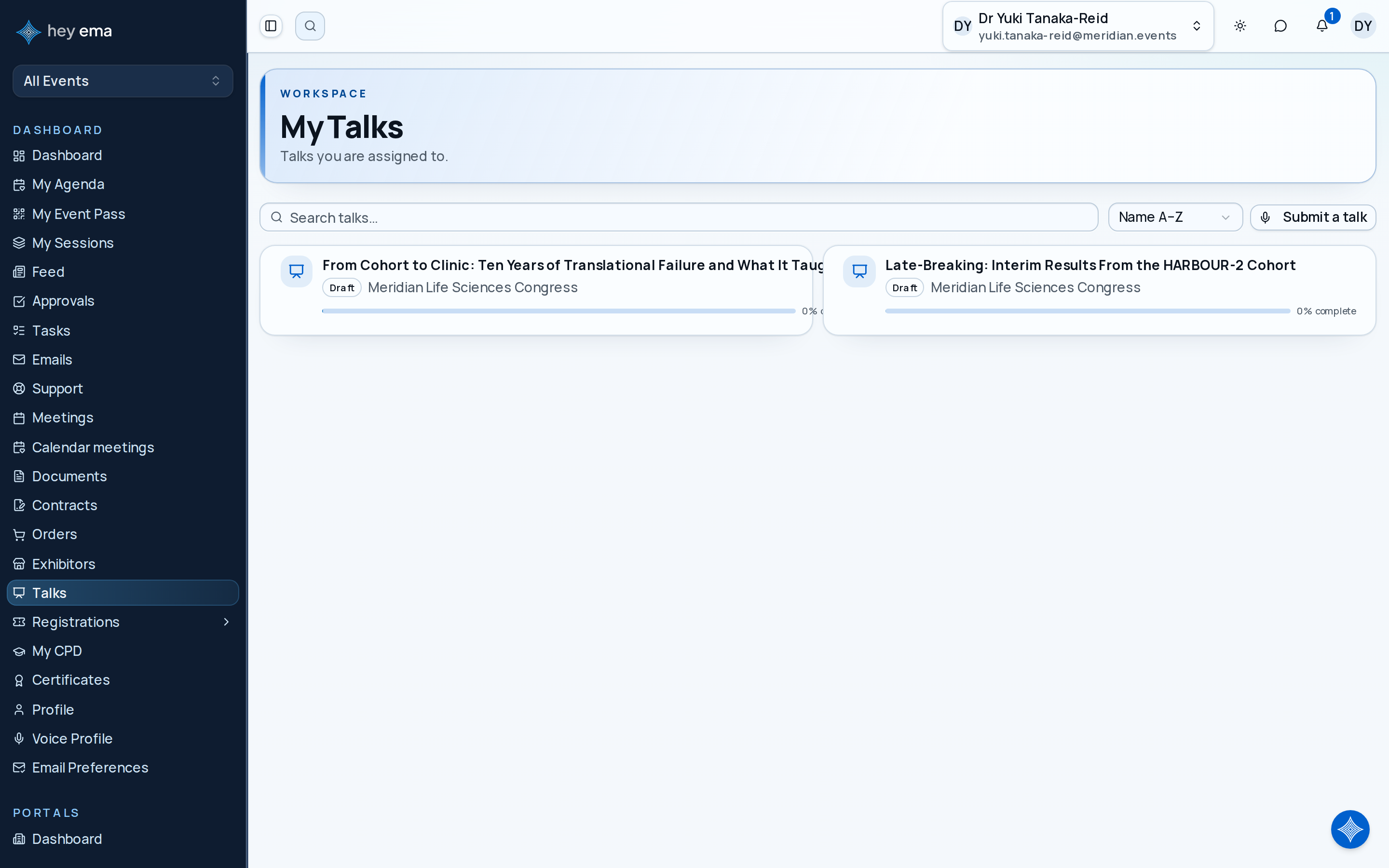
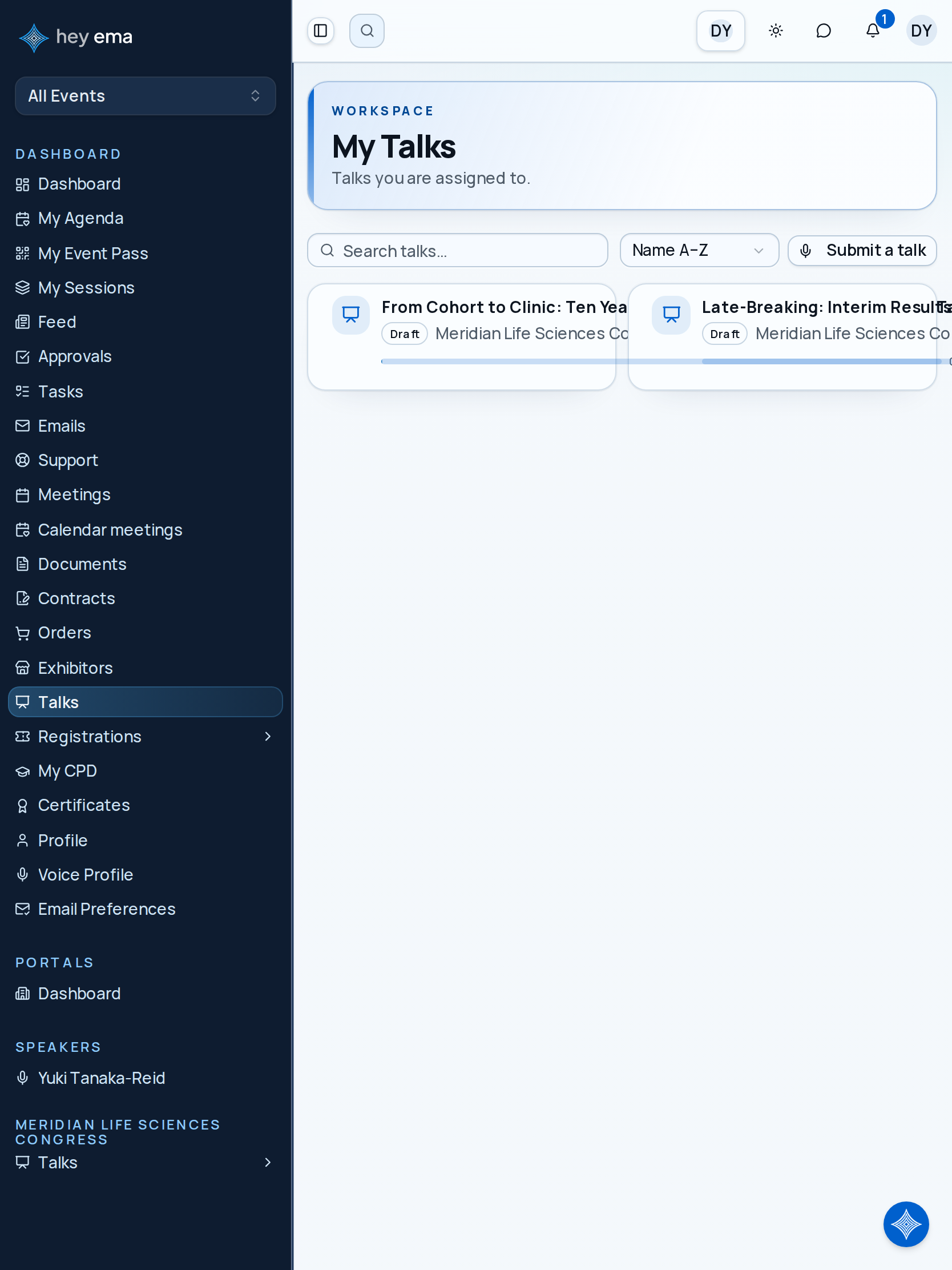
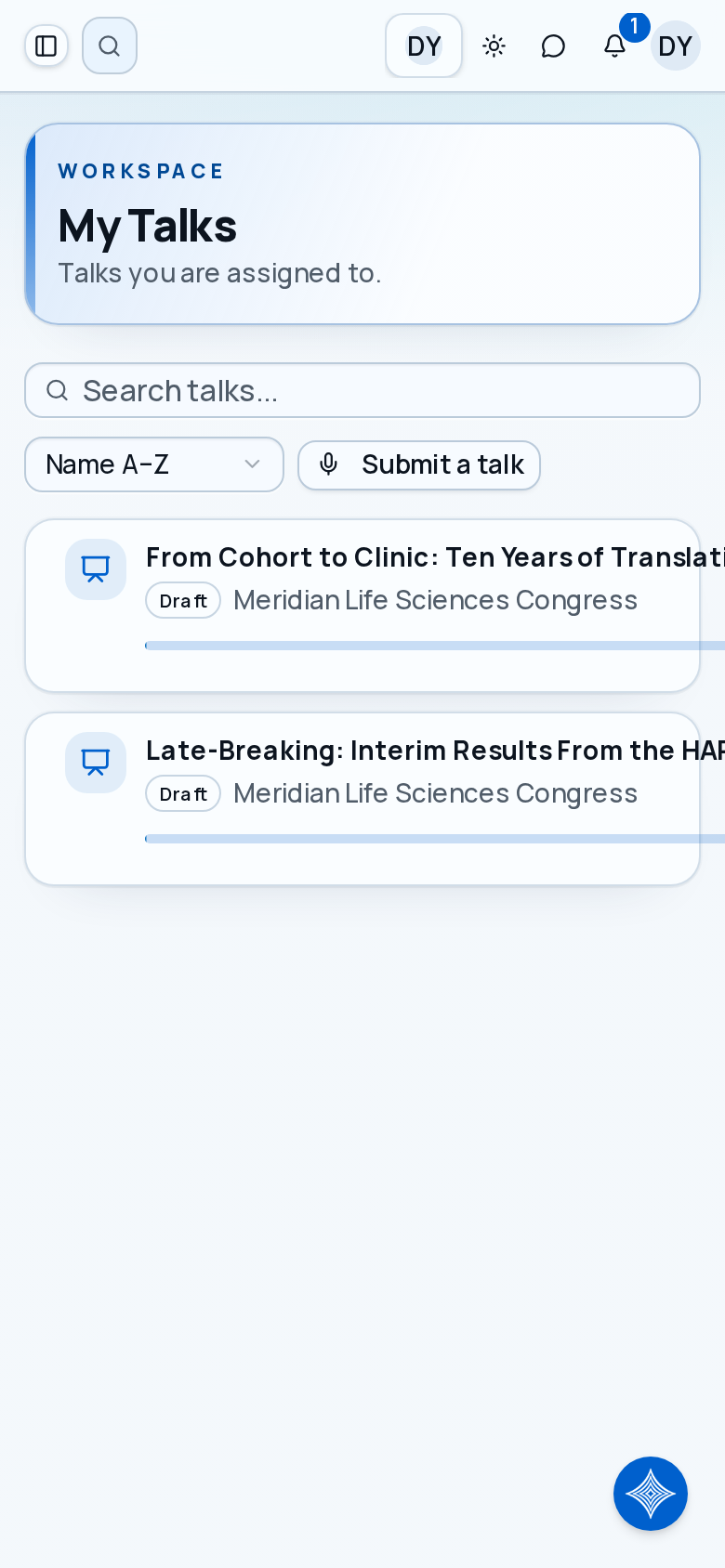
The talks list page shows every talk where you are credited as an author or speaker, across all projects you're assigned to.
Me > Talks
Use My Talks to find every talk where you are listed as an author, co-author, or speaker.
- Desktop
- Tablet
- Phone
Viewing Your Talks
Navigate to Me > Talks to see your talk list. Each entry shows:
| Field | Description |
|---|---|
| Title | The talk title. |
| Submission ID and Programme code | The talk's fixed reference (such as #73) and its programme label (such as T001), once the event team has assigned them. |
| Submission stage | A plain-language badge: Draft, Submitted, Under review, Accepted, Rejected, Waitlisted or Withdrawn. |
| Status | Current workflow status (e.g., Draft, Submitted, Accepted) — names and colors are configured per event. |
| Format | Talk format such as Keynote, Workshop, or Panel, if the event uses formats. |
| Completion | Overall completion percentage. |
| Project | The event this talk belongs to. |
Search, sort (by name, completion, or status), and filter by event using the toolbar above the list. Click a talk to open its dashboard.
Where New Talks Come From
- Submit a talk yourself with the Submit a talk action on this page — it takes you to the event's public call-for-papers form. When you belong to several events with open submissions, it asks which event first. See Submitting a Talk.
- An event organizer adds it — for example an invited keynote, or a co-author they've added to an existing talk.
Talk Portal Navigation
Opening a talk takes you to its dashboard, with tabs for every area of the talk:
- Dashboard — completion stats at a glance
- Tasks — tasks linked to this talk
- Checklists — assigned checklist items
- Event info — knowledge base articles to review and acknowledge
- Presentation files — upload and manage talk documents
- Terms & acceptance — privacy, publishing, and data-use consent
- Compliance — recording consent and conflict-of-interest declarations
- Authors & Speakers — manage co-authors and who's presenting
- Reviews — reviewer feedback and progress (when visible)
- Discussion — a message thread with the event team about this talk
- Q&A and Polls — audience engagement tools for use during your session
Your Speaker Profile
Separately from the talk dashboard, ema also has a lighter per-event speaker profile area. It appears in the Me sidebar under Speakers (or as a speaker entry under the event), and has two tabs:
- Profile — edit your photo, display name, title or role, organization, and short and full bio for this event. A Details card below shows any extra programme details the organizer has made available to you; see Talk Dashboard.
- Talks — the talks you're presenting at this specific event. Opening one gives you an Edit talk form for the title, abstract, and description, plus a Materials & ePoster summary that links through to the talk's Presentation files tab.
If you are presenting, open the talk's Authors tab to declare whether you will present in person, by recording or virtually. Each co-presenter keeps their own choice.
Open a talk to see completion progress and available actions on the talk dashboard. See Talk Dashboard.
Once your talk exists, see what you can manage yourself versus what the event team controls. See Managing a Submitted Talk.
Add a Talk to Your Calendar
Use Add to calendar on a scheduled talk's dashboard to download an ICS file or open Google Calendar or Outlook. The entry uses the event's timezone and the talk's actual scheduled time and room. An unscheduled talk has no calendar entry yet.
The same controls are available from your talk-upload email link. Keep that link private because it gives access to your talk's upload page. Scheduled acceptance and content-reminder emails may also include Add to calendar, which opens the calendar controls available to you.
Recover a Lost Speaker Link
Open the event's Email me my speaker link page and enter the email address the organizer used for you. The page gives the same acknowledgement for every address. If there are eligible published talks for that address, you receive an email with their upload links.
Check your inbox and spam folder. Requests are limited to prevent repeated emails; if you cannot recover a link, contact the event team and confirm which email address they have recorded.