Recording Consent
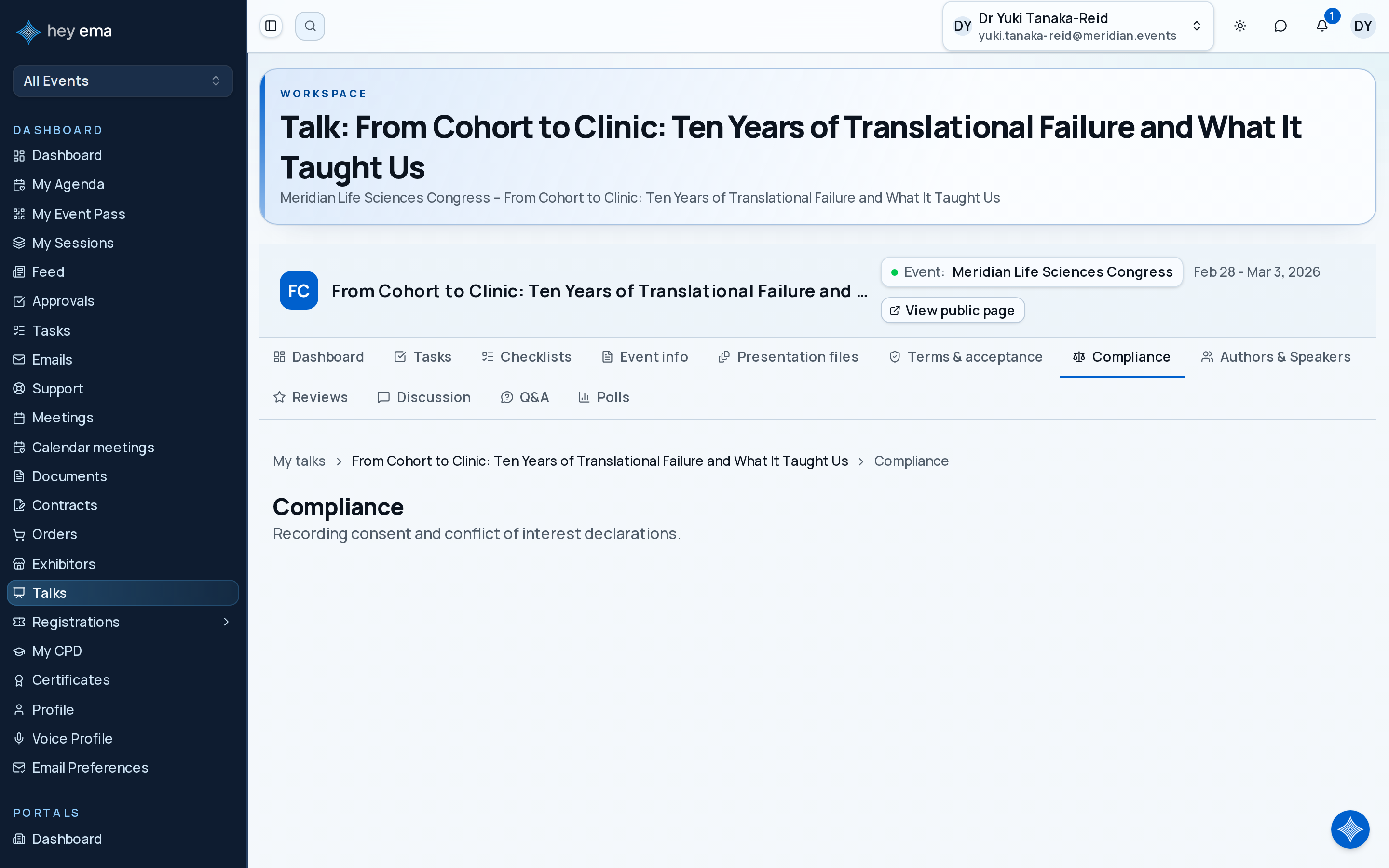
Me > Talks > Open a talk > Compliance
Use the Compliance tab on a talk when the event team requests permission to record or publish that session, or asks you to declare a conflict of interest.
A speaker agrees that their session can be recorded for the event's on-demand library but contacts the organiser before accepting because they do not want clips used in future marketing.
Many events record sessions so attendees can watch them on demand after the event. Before your session can be recorded, the event team needs your explicit consent. ema handles this through a recording consent workflow tied to each of your talks.
Why you are asked for consent
Recording consent is a legal and professional requirement. Your event team needs to know which sessions can be recorded, streamed, or made available on demand. Your response helps them finalize the schedule and production plan.
Where to find your consent request
- Navigate to your talk in the Me portal.
- Open the Compliance tab.
The Recording Consent section shows:
- The current status of your consent (Pending, Granted, or Declined).
- The release text — a summary of what you are consenting to, written by the event team.
- The date and time consent was granted or declined, if applicable.
If the event hasn't enabled recording consent for this talk, the section doesn't appear at all.
Responding to a consent request
Granting consent
- Read the release text carefully. It describes how the recording will be used (e.g., on-demand library, promotional clips, archival).
- Draw your signature in the signature pad that appears.
- Click I consent to recording.
Declining consent
- Optionally, enter a reason for declining (up to 2,000 characters) in the text box. This helps the event team understand your decision — for example, "The content includes proprietary client data that cannot be shared publicly."
- Click I decline recording.
You can change your mind later: if you've already granted consent in ema, a Revoke consent button lets you switch to declined. For an imported approval, use I decline recording instead.
What happens after you respond
Your event team is notified immediately. If you granted consent, they can proceed with recording. If you declined, they will mark the session as not available for recording and may follow up with you directly.
You can change your response at any time before the event, but do so as early as possible — recording plans may already be in motion.
Grant consent only when the release text matches what you are comfortable with. Decline if the talk cannot be recorded. If you agree to some uses but not others, contact the event team before submitting.
Conflict of interest declarations
Alongside recording consent, you may be asked to declare any conflicts of interest related to your talk.
What counts as a conflict of interest
A conflict of interest exists when you have a personal, financial, or professional relationship that could influence — or appear to influence — the content of your talk. Common examples:
- You are presenting research funded by a company whose product you recommend in the talk.
- You have a financial stake in a vendor mentioned in your session.
- You serve on the board of an organization that benefits from your recommendations.
How to declare a conflict
- Navigate to your talk in the Me portal and open the Compliance tab.
- In the Conflict of Interest section, choose I have no conflict of interest or I have a conflict of interest.
- If you select that you have a conflict, describe its nature (up to 5,000 characters).
- Click Submit declaration.
The event team reviews declarations and may include a disclosure slide in your presentation or list the conflict in the program.
Tips
- Review your consent request as soon as you receive it. Your event team needs to know which sessions can be recorded before finalizing the production schedule. Delays on your end can hold up the entire process.
- Read the release text before granting consent. Different events have different usage terms. Some may use clips for marketing, others only for an on-demand library.
- Be upfront about conflicts of interest. Declaring a conflict is not a negative mark — it demonstrates transparency and professionalism. Audiences and organizers respect disclosure.
- Changed your mind? You can update your consent or conflict declaration at any time before the event by revisiting the same page.
Approvals Imported From Capstan
An organizer may sync recording approvals from Capstan. Your Compliance tab identifies Granted via import separately from a signed release. If the source marks the recording blocked, your status is Declined; an unanswered source approval is Pending.
For an imported approval, you can sign the release and choose I consent to recording, or choose I decline recording with an optional reason.
When you change your response in ema, your decision takes precedence over future syncs. Contact the organizer if an imported approval does not reflect your wishes, or use the consent actions on your Compliance tab to change your response.
Recording consent is separate from general talk terms and publishing acceptance. See Talk Acceptance.
Journey pages need an operator sign-in to open.
A confirmed speaker has consented, handed over materials that will play, and knows their slot.
- Step 8 of 13Speaker grants or declines recording consentSpeaker