Talk Checklists
Checklists are assigned to talks by project administrators to guide speakers through required preparation steps.
Me > Talks > Open a talk > Checklists
Use the Checklists tab to see the preparation steps the event team expects you to complete.
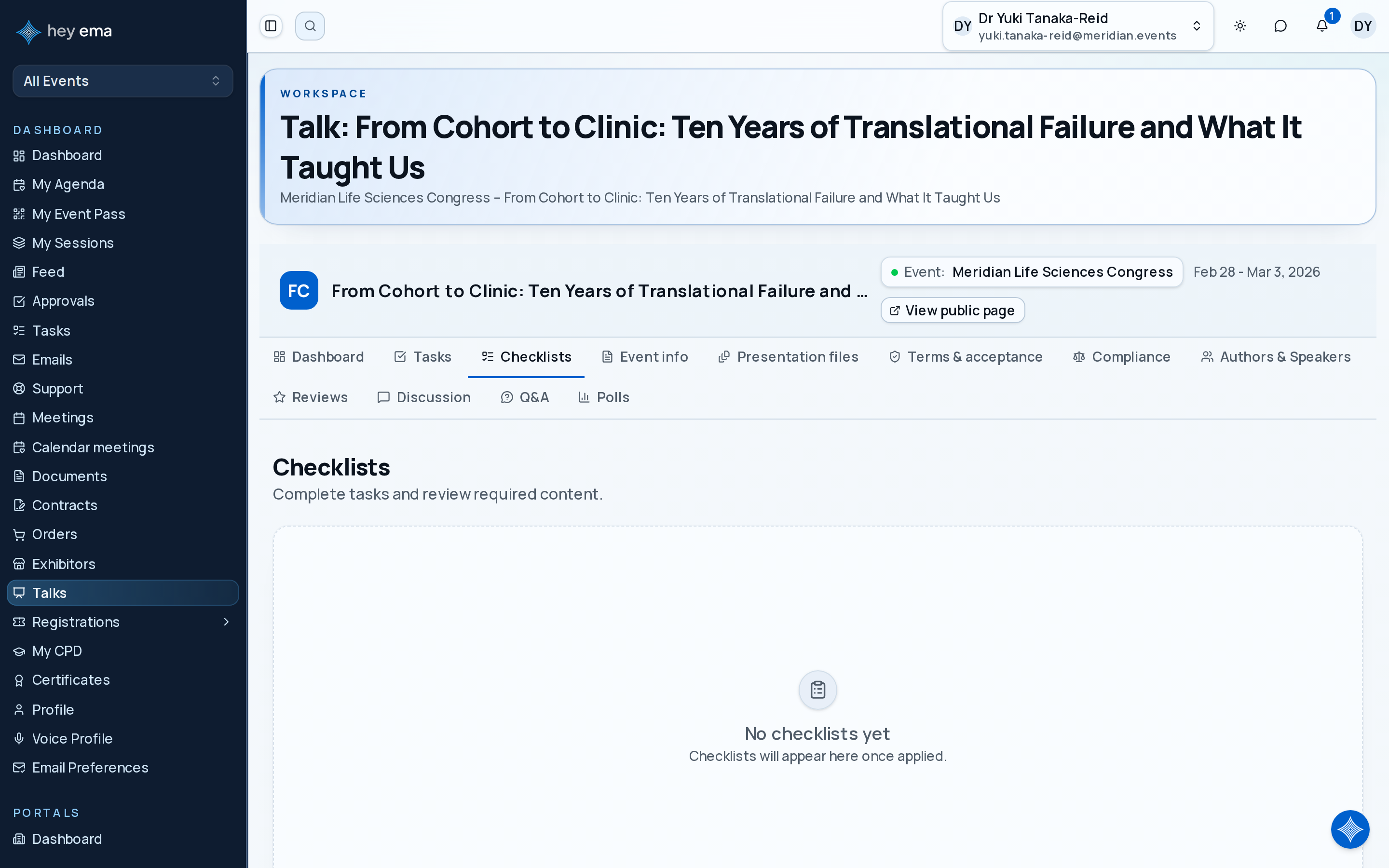
A checklist asks a speaker to upload final slides, acknowledge the AV guide, confirm travel details, and submit recording consent. Each completed item increases the talk's readiness progress.
Viewing Checklists
Navigate to your talk and select the Checklists tab. Each checklist shows:
| Field | Description |
|---|---|
| Checklist name | The name of the applied checklist. |
| Completion | Number of completed items vs. total, with percentage. |
| Applied at | When the checklist was assigned to your talk. |
Checklist Items
Each checklist contains ordered items that fall into two types:
Task Items
Task-based items appear with a status indicator:
| Status | Meaning |
|---|---|
| Not started | Task has not been begun. |
| In progress | Task is being worked on. |
| Pending approval | Task is awaiting approval. |
| Approved | Task has been approved. |
| Rejected | Task was rejected and may need rework. |
Mark a task as complete by toggling its closed state from the checklist view or the Tasks tab.
Content Items
Content items link to knowledge base articles. If the item requires acknowledgement, you must read and acknowledge the article to mark it complete. See Talk Content for details.
Some task items may have a linked form. Click the form icon to open and complete the associated form submission.
Completion Tracking
Checklist completion feeds into your talk's overall completion percentage shown on the dashboard.
Checklists and Submitting for Review
Before you can Submit for review, the checklists the organizer marked as required for submission must be complete. If you try to submit with one outstanding, ema tells you how many checklists still have incomplete items. Checklists the organizer marked as optional do not block submission. A checklist that did not come from the project's default checklists blocks submission until it is complete.
The dashboard rolls checklist progress into the talk's overall completion percentage. See Talk Dashboard.
Journey pages need an operator sign-in to open.
- Open the call for papersDelivery
Authors can find the call while it is open, submit a complete abstract with the right co-authors, and change or withdraw it only while the rules allow.
- Step 11 of 14Author completes the checklist the submission is gated onSpeaker
A confirmed speaker has consented, handed over materials that will play, and knows their slot.
- Step 3 of 13Give the speaker a checklist of what they owe youSpeaker