Talk Content
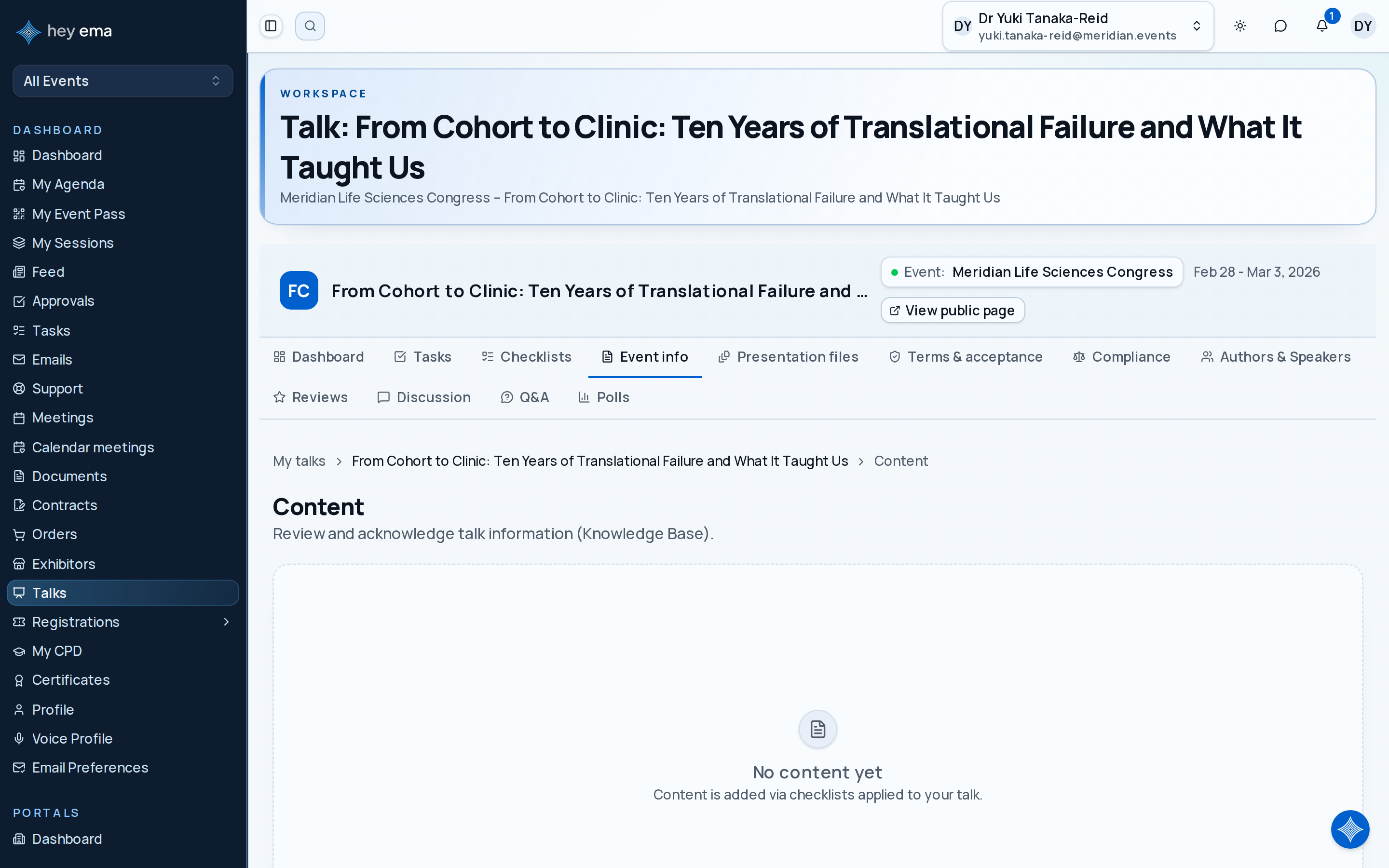
The content page shows knowledge base articles that have been assigned to your talk through checklists. These articles contain important information such as speaker guidelines, technical requirements, or venue details.
Me > Talks > Open a talk > Event info
Use the Event info tab to read speaker guidance that the event team has attached to your talk.
A presenter opens the AV requirements article, checks the slide ratio and microphone instructions, then acknowledges the article so the organiser knows the guidance has been read.
Viewing Content
Navigate to your talk and select the Event info tab. Each content item shows:
| Field | Description |
|---|---|
| Article title | The name of the knowledge base article. |
| Excerpt | A short summary of the article. |
| Requires acknowledgement | Whether you must confirm you have read this article. |
| Acknowledged | Whether you have already acknowledged the article. |
Click an article to view its full content.
Acknowledging Content
Some articles require acknowledgement to confirm you have read and understood the information.
- Open the article by clicking on it.
- Read the full content.
- Click Acknowledge to mark it as read.
Once acknowledged, the item is marked as complete in your dashboard stats and checklist progress.
Acknowledgement status contributes to your talk's overall completion percentage on the dashboard, alongside checklist progress.
Content acknowledgements often appear as checklist items for the talk. See Talk Checklists.
Journey pages need an operator sign-in to open.
A confirmed speaker has consented, handed over materials that will play, and knows their slot.
- Step 7 of 13Speaker reads and acknowledges the briefing articles assigned to the talkSpeaker