Managing a Submitted Talk
Once you are credited as an author or speaker on a talk, it appears in your Me portal, where you can track its status and complete the tasks the event team needs from you.
- The talk must already exist — new talks are created through the event's public call-for-papers form, not from inside the Me portal. See Submitting a Talk for that flow.
- You must be listed as an author — the primary submitter, or anyone added to the talk's author list, can see it in their Me portal. See Talk Authors.
Me > Talks
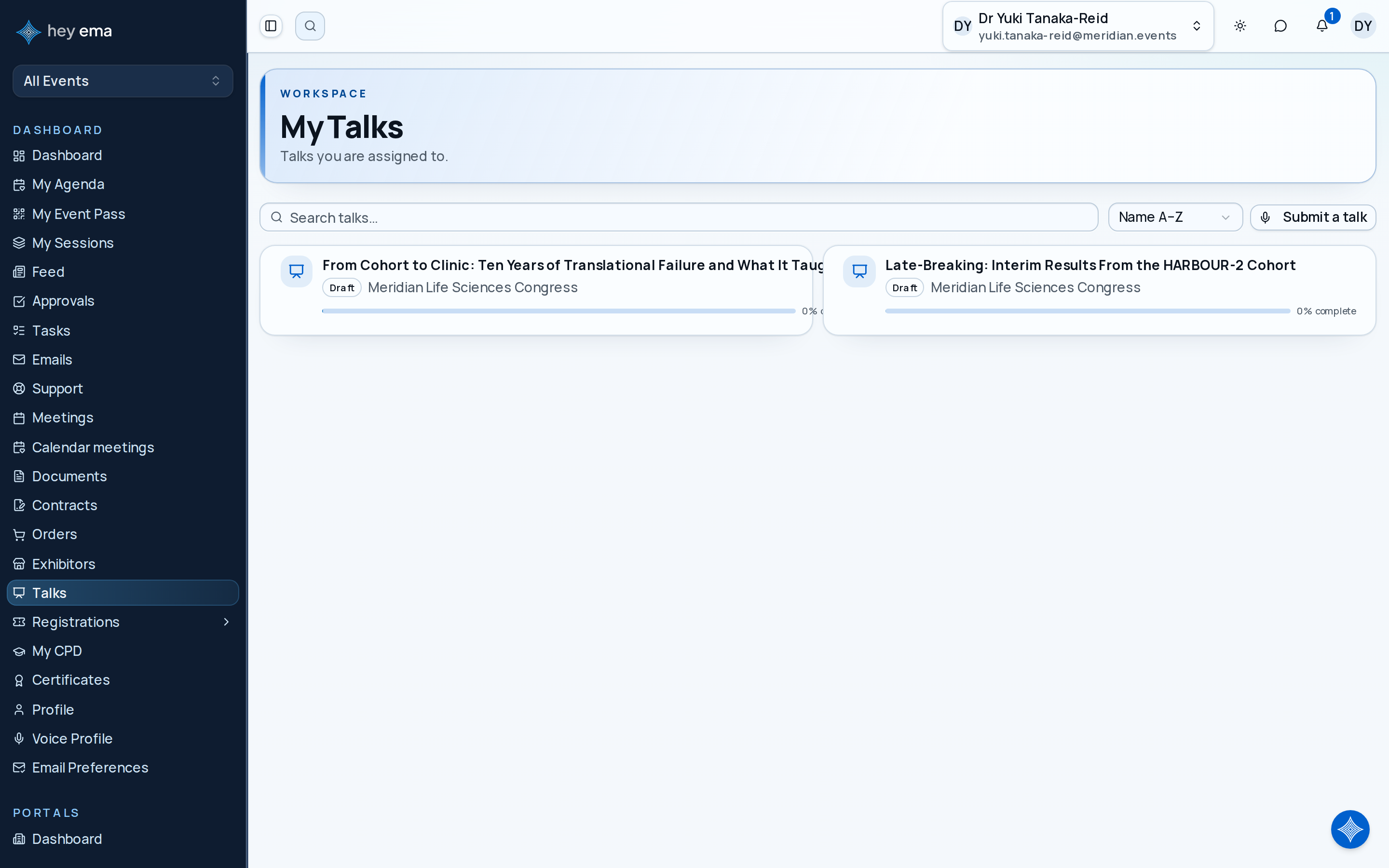
Once you are added to a talk, it appears in My Talks. Open it to reach the talk's dashboard and every other tab.
Each talk you can access shows its title, current status (e.g., Draft, Submitted, Accepted — names and colors are set by the event), format, and an overall completion percentage. Opening a talk takes you to its dashboard, with tabs for tasks, checklists, content, documents, terms and acceptance, compliance, authors, reviews, and discussion.
Where New Talks Come From
Talks are not created from the Me portal. A talk enters ema's programme in one of two ways:
- You submit it yourself through the event's public submission form while the call-for-papers is open. See Submitting a Talk for the full walkthrough, including tracks, formats, and co-authors.
- An organizer adds it directly, for example an invited keynote or a talk migrated from another system.
Either way, once you are listed as an author, the talk shows up in your My Talks list and you manage everything else — documents, checklists, terms, authors — from there.
Tracking Status
Your talk's status (for example Draft, Submitted, Accepted, Rejected — the exact set is configured per event) is shown as a badge on the dashboard and in your talks list. You drive the early transitions yourself: Draft to Submitted (Submit for review), and Submitted or Under review to Withdrawn (Withdraw submission). A withdrawn talk can be submitted again while the submission window is open. Reviewers and the event team drive the rest through the event's review and program workflow. Once the committee accepts, rejects or waitlists your talk, the dashboard shows the decision. See Talk Dashboard for how submission, withdrawal and decisions work.
If the event shares reviewer feedback with you, see Talk Reviews. If your talk is accepted, you may be asked to review acceptance terms — see Talk Acceptance — and to upload your presentation materials — see Talk Documents.
The talk dashboard is where you land after opening a talk, with completion stats and links to every other tab. See Talk Dashboard.
See every talk you are assigned to, across every project, from the talks list. See My Talks.